Controls & Play Modes in Patrol Compton
Learn duty systems, gear habits, vehicle flow, and how solo play modes unlock AI traffic for cleaner practice.
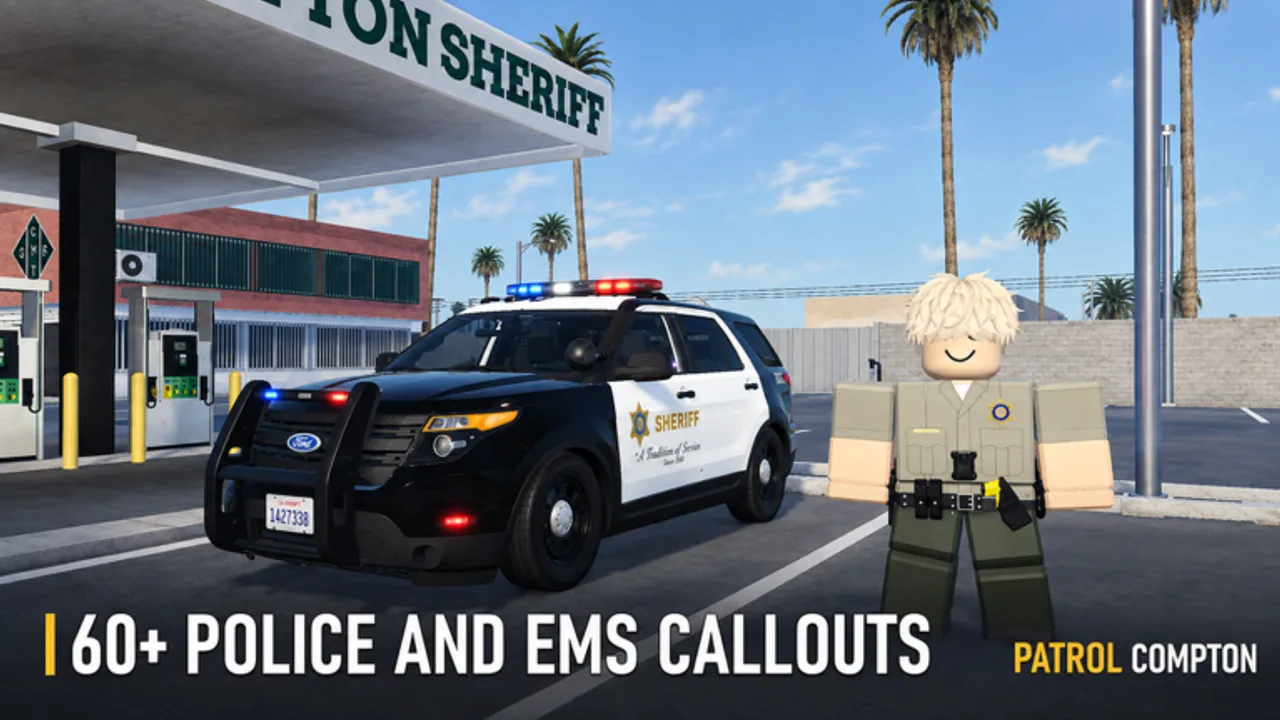
Mastering Patrol Compton controls is less about memorizing every keybind and more about locking a reliable shift loop: clock in, grab gear, spawn a unit, answer calls, and return for booking. This guide covers the systems every officer touches in the first hour, plus the play mode tip that unlocks denser AI traffic on private or solo servers.
Patrol Compton is TK Interactive’s Roblox police roleplay simulator (place 86799185313399, server size 20). Confirm the experience is online before a long drill—Roblox moderation has taken it down temporarily in the past. When it is up, use this page with Getting Started and the Guides Hub.
Core duty controls every officer must confirm
- Join and spawn at the police department. Walk the station before you rush into traffic.
- Clock in / go On Duty. Duty status is what marks you as an active unit for calls and progression.
- Equip handcuffs and a taser (plus any other issued tools) before you leave the building.
- Spawn a patrol vehicle—the Expedition Pursuit is a common starter SUV.
- Watch the call / radio UI so you do not miss emergency tones on a busy 20-player server.
- Drive, stop, cuff, transport, book—then reset gear if you died or wiped inventory.
If any step feels fuzzy, stop public chaos and re-walk the station. Controls only feel “broken” when officers skip On Duty or leave without cuffs.
Station interactions that matter
Treat the department as a control panel, not scenery:
| Interaction | Why it matters |
|---|---|
| Clock-in / On Duty | Enables the shift economy and call participation |
| Gear racks | Handcuffs and taser are non-negotiable for arrests |
| Vehicle spawns | Your first mobile control surface for radar and response |
| Booking / holding | Closes the XP loop after pursuits and call arrests |
Rookies who learn only the drive keys and ignore station prompts waste entire scenes. Pair this table with How to Arrest once you can leave the lot equipped.
Vehicle and traffic control habits
Once mobile:
- Enter and exit cleanly so foot pursuits do not strand the car mid-block.
- Keep a mental map of garage exits versus street exits.
- Use lights when responding to priority calls; keep siren discipline so public RP stays readable.
- Watch the roughly 30–35 speed context on the gauge when you practice radar stops (Traffic Enforcement).
- After a chase, park with a clear path to cuff and transport—see Pursuits.
Vehicle feel can change after patches; re-check handling notes on Updates and vehicle priorities on the Tier List.
Play modes: public vs private / solo
Community tutorials and creator comments agree on a high-value tip: AI traffic density is much stronger on private or solo servers, and you often need to change play mode from the left corner UI when you join.
Public servers
- Human civilians, officers, and suspects
- Radio coordination and shared pursuits
- Best for real roleplay pressure and teaching newer units
- Call volume can spike; prioritize finishable scenes
Private / solo servers
- Quieter practice for radar, stop choreography, and pursuits
- AI civilians become useful training partners when the play mode is set correctly
- Ideal for drilling cuff order without lobby chaos
- Still book at the station—practice the full loop, not only the chase
The embedded video on this page shows AI civilian pursuit and backup behavior that many officers only see after enabling the right solo/private play mode. If your public session has almost no traffic AI, that is expected—switch modes instead of assuming the game is broken.
Practical control checklist before every roll-out
- Experience is joinable on the official Roblox page
- On Duty confirmed
- Handcuffs ready
- Taser ready
- Vehicle spawned and responsive
- Call UI visible
- Play mode chosen (public RP vs AI-traffic practice)
- Backup plan if a high-risk call drops (Emergency Calls)
Common control mistakes
- Leaving without gear, then blaming “broken arrest controls”
- Never opening the left-corner play mode options on private servers
- Ignoring booking after a perfect chase
- Stacking five calls while still learning vehicle exit timing
- Installing executor “control helpers” that risk bans—read Scripts before you touch injectors
Related reading
- Getting Started — first-hour station walk
- Traffic Enforcement — radar and stop flow
- Pursuits — chase and PIT habits
- Ranks & Promotions — why clean controls feed XP
- Players — roles and CST / detective passes
- Codes — promo status (none verified active as of November 2026)
- Wiki overview — official Discord and group links
Controls mastery is boring on paper and decisive in Compton. Nail duty, gear, vehicle, play mode, then every other guide becomes easier.
Frequently Asked Questions
Quick answers to the most common Patrol Compton questions.
How do I enable AI traffic in Patrol Compton?
Join a private or solo server and change play mode from the left corner UI when you join. Public servers rely more on player civilians than dense AI traffic.
What controls should I confirm before leaving the station?
Clock in / On Duty, equip handcuffs and a taser, spawn a patrol vehicle, and make sure you can see the call UI.
Which starter vehicle should I practice controls in?
The Expedition Pursuit is a common early patrol SUV for city driving, stops, and first responses.
Why do my arrests fail even when I click the right prompts?
Most failures come from missing handcuffs or taser, not from unknown keybinds. Return to the station, rebuild gear, then retry.
Should beginners stay on public servers?
Mix both. Public servers teach radio RP; private/solo modes with the correct play setting are better for AI traffic and clean pursuit drills.